The best golf simulator for a UK home starts with two measurements: the room you can swing in safely and the space the launch monitor needs to see the shot. A monitor supplies the shot data and simulation connection; a usable bay also needs a suitable hitting mat, impact protection, display and compatible software. Our four choices cover a portable radar starter, a swing-video option and two side-of-ball camera systems.
The Garmin Approach R10 is the simplest portable starting point if your room has enough depth behind the ball. Choose the Rapsodo MLM2PRO for impact video and spin-focused practice. The SkyTrak ST MAX suits a more permanent side-of-ball studio, while the Garmin Approach R50 adds its own large touchscreen for a premium setup. Compare software access and the full bay before deciding by monitor alone.
Our top 4 home golf simulator cores
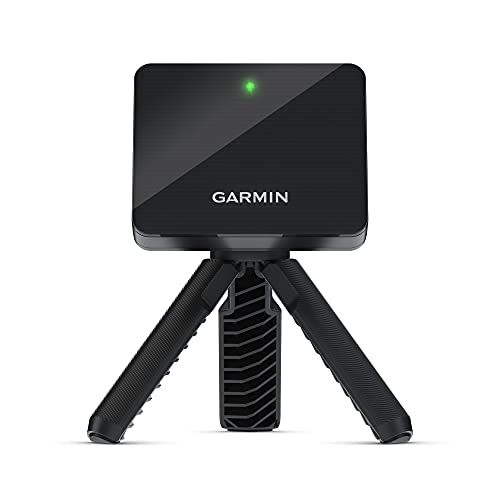
Garmin Approach R10
Best portable starting point
A compact radar monitor for range practice and a home net when you have the depth behind the ball.

Rapsodo MLM2PRO
Best for swing video and spin work
Radar and cameras combine shot data with impact and swing views for a practice-led bay.

SkyTrak ST MAX
Best side-of-ball studio choice
Camera-based ball tracking with club data and a compact monitor position beside the hitting area.

Garmin Approach R50
Best self-contained premium display
A camera-based monitor with its own touchscreen and an HDMI route to a larger screen.
These are launch monitors, not complete enclosed simulator bays. Start with the room and safety checks below, then choose a practice net or impact screen designed for full golf shots.
In this guide
- Compare the four monitors
- Build the bay around your room
- Detailed launch-monitor reviews
- Software and ongoing access
- Choose the right setup
- Frequently asked questions
Compare the four monitors
| Monitor | Best use | Position | Display and simulation | Planning point |
|---|---|---|---|---|
| Garmin Approach R10 | Portable starter and range practice | Radar behind the ball | Phone or tablet; Home Tee Hero with membership | Garmin calls for 6–8ft behind the ball and at least 8ft ball flight to net |
| Rapsodo MLM2PRO | Swing video and spin practice | Radar/cameras behind the ball | Compatible mobile device; a paid plan unlocks key features | Allow 6.5–8.5ft behind the ball and 8ft to net; RPT balls plus eligible plan for measured spin |
| SkyTrak ST MAX | Side-of-ball indoor studio | Camera system beside the hitting area | SkyTrak software and compatible device | Check the exact included first-year plan and ongoing access |
| Garmin Approach R50 | Premium on-device display | Camera system beside the hitting area | Built-in touchscreen; HDMI to larger display | Confirm seller return terms and allow a protected impact area |
The radar distances above are manufacturer placement guidance, not a guarantee that a particular room is safe. Add clearance behind an impact screen or net, allow your longest club to clear ceiling and walls, and leave room for an off-line shot. A side-of-ball camera monitor saves rear placement space but still needs a full protected swing and impact area.
Build the bay around your room
Measure a safe swing and ball path
Use your longest club to test the entire backswing and follow-through with nobody in the hitting zone. Garmin’s R10 owner’s manual places the monitor 6–8ft behind the ball and the ball at least 8ft from the screen or net. Rapsodo’s MLM2PRO guidance calls for 6.5–8.5ft behind the ball and 8ft of ball flight. Those measurements explain why a radar setup can be difficult in a short garage.
SkyTrak’s ST MAX guide calls for a 10ft × 10ft unobstructed area, with safe ceiling height determined by the player and club. The R50 sits near the ball, but its owner’s manual still requires safe screen and swing clearance. Leave space behind the impact surface, protect exposed frames and check ricochet paths before hitting full shots.
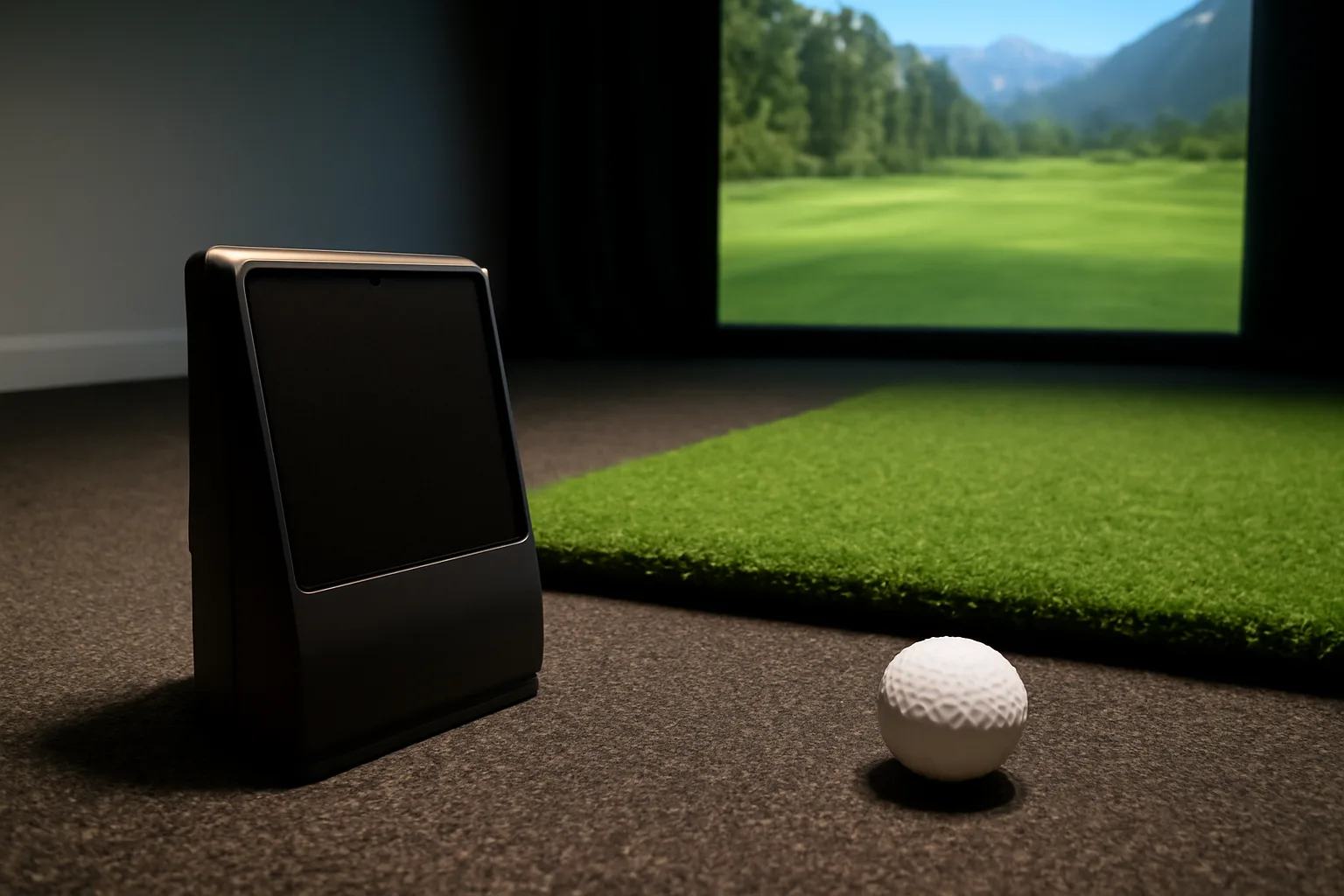
Allow for the parts beyond the monitor
- Hitting surface: use a stable mat that supports your stance and strike area; check its base against hard floors and joints.
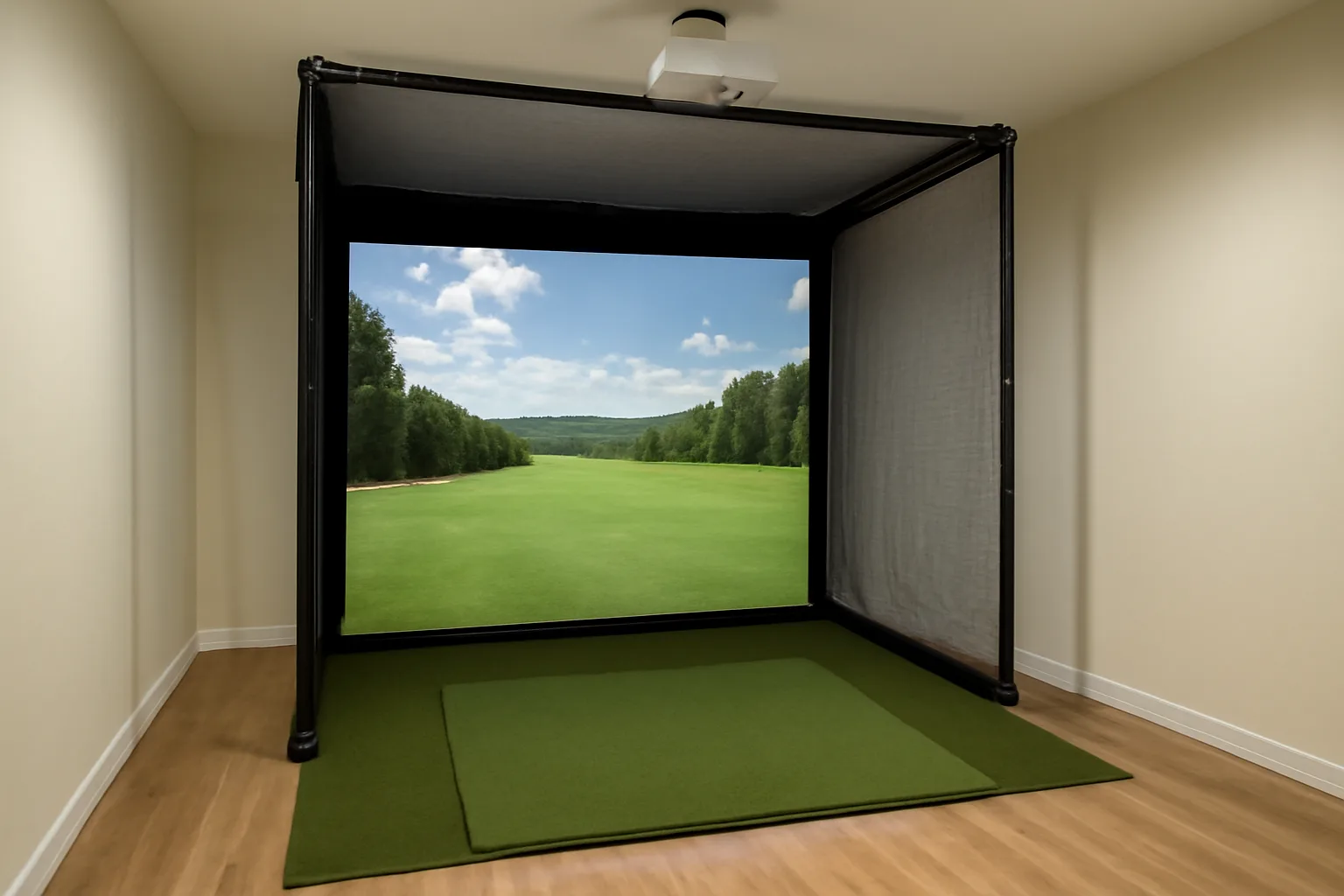
- Ball containment: choose a full-shot net or impact screen with safe side and overhead coverage for your space; shield hard frames and nearby windows.
- Display: a phone or tablet can start a practice bay. A projected image adds an impact-rated screen, suitable projector position and safe cable routing.
- Software: check the monitor’s operating-system compatibility, included plan, trial length and renewal terms before buying.
- Power and access: plan charging, connectivity, lighting for cameras and a dry place to store equipment.
A projector is optional for useful shot data. A screen becomes more valuable when you want immersive course play and can protect the projector from the swing and ball path. Our wider golf simulator setup guide covers the room and bay choices in more depth.
Detailed launch-monitor reviews
Garmin Approach R10: portable starting point
The R10 makes sense when the same device will travel between a range and a home net. Its small tripod unit measures behind the ball and pairs with a compatible phone. Garmin’s training mode gives club-by-club numbers and a shot-dispersion view, which is useful even before you build a projected bay.
Its main planning requirement is room depth. Garmin places the monitor 6–8ft behind the ball and asks for at least 8ft from ball to net or screen. Home Tee Hero virtual rounds require an active Garmin Golf membership and a compatible mobile device. Check the software and device you already own before treating the R10 as a ready-to-play course simulator.
Rapsodo MLM2PRO: swing video and spin practice
The MLM2PRO combines radar with two cameras, adding swing and impact views to the normal ball-flight figures. It is a stronger fit for someone who wants to review strike and video after a practice session, provided there is enough clear depth behind the ball. Rapsodo specifies 6.5–8.5ft behind the hitting point and 8ft to the net indoors.
Rapsodo’s current membership comparison says measured spin rate and spin axis need both RPT-marked balls and an eligible paid plan. Compare the continuing plan with the features you will actually use. A mobile device still forms part of the display setup; a projector and screen are separate bay purchases.
SkyTrak ST MAX: side-of-ball studio monitor
ST MAX uses camera-based ball tracking and additional radar for club data. Sitting beside the hitting area avoids the long rear placement of an R10 or MLM2PRO, making it a practical candidate when a protected 10ft × 10ft swing area is available but rear depth is tight. It still needs a net or screen, mat and a compatible device running SkyTrak software.
The selected package is described as including one year of software. Check the named plan and course access at checkout: SkyTrak’s free range and its upgraded skills or course features are different levels. Its user guide explains setup and membership. For a permanent bay, confirm screen/projector and computer compatibility before ordering the monitor.
Garmin Approach R50: premium touchscreen setup
The R50 is the most self-contained display choice here. Its camera-based monitor has a built-in 10-inch touchscreen, and an HDMI connection can put the simulator view on an external monitor or projector. That can simplify the device side of a premium bay; the impact screen, safe hitting area and mat remain separate.
Garmin Golf membership is required for Home Tee Hero course play. The R50’s higher-cost purchase deserves a seller check before checkout: confirm the exact new unit, permitted returns after setup, packaging requirements and any collection or deduction terms for a large item. The device belongs in a bay that has already passed a full-swing and ricochet assessment, rather than being used to guess whether a room will work.
Software and ongoing access
Course libraries and practice features often sit in different plans. Garmin’s R10 manual says Home Tee Hero needs Garmin Golf membership; the R10 runs it through a compatible mobile device, while the R50 can display it on the monitor. A paid Rapsodo plan unlocks much of the MLM2PRO’s advanced experience, and marked balls are needed for spin. SkyTrak includes a free range, with upgraded plans for additional practice and course features.
Before paying, list the courses and training modes you expect to use, the devices in your household and any planned projector. Check the current included term and renewal controls for the exact package. Third-party simulator software can introduce another licence, hardware requirement or compatibility check even when the launch monitor itself supports it.
For any higher-cost monitor, confirm the exact seller, UK warranty and support route, the software entitlement in that package and the return conditions before ordering. Ask how activation, opened packaging and collection of a used or installed unit are handled; a brand’s direct-sale policy may differ from a marketplace seller’s terms.
Choose the right setup
Start with the R10 if you value portability and have the rear and forward space Garmin specifies. Choose the MLM2PRO when swing video and marked-ball spin data justify its membership requirements. For a shorter room, compare the ST MAX against your software and computer plans; its side placement changes the layout decision. The R50 suits a premium bay where the built-in screen and HDMI output are useful enough to justify the larger purchase.
Measure first, then choose a launch monitor, then size the impact protection and display around the room. If you mainly need practice feedback rather than virtual course play, our lower-cost launch-monitor guide covers a different starting point. A safer, simpler net bay that gets regular use can be more worthwhile than an ambitious projection layout that leaves no safe swing clearance.
Frequently asked questions
What do I need besides a launch monitor for a home golf simulator?
You need a safe swing area, a suitable hitting mat and full-shot net or impact screen. Add a compatible display and software; a projector is optional. Leave safe clearance behind the impact surface and around off-line shots.
How much room does the Garmin Approach R10 need indoors?
Garmin places the R10 6–8ft behind the ball and the ball at least 8ft from the net or screen. Add ceiling, width and impact clearance for your full swing; the safe total depends on the player and room.
Does the Rapsodo MLM2PRO need special balls?
RPT-marked balls and an eligible paid Rapsodo plan are needed for measured spin rate and spin axis. The monitor also needs 6.5–8.5ft behind the ball and about 8ft of ball flight to the net indoors.
Can a SkyTrak ST MAX work in a shorter room than a rear radar monitor?
Its monitor sits beside the hitting area, saving the rear placement used by radar monitors. SkyTrak still recommends a 10ft by 10ft clear area, plus enough ceiling and impact clearance for a safe full swing.
Can the Garmin Approach R50 show golf on a projector?
Yes. Garmin provides an HDMI connection for an external display or projector. You still need a protected impact screen or net and enough room to swing safely; Home Tee Hero course play requires Garmin Golf membership.
Do these purchases include a complete golf simulator bay?
No. These four purchases are launch monitors. Check each package for its included software and accessories, then allow separately for the mat, impact protection, display and any projector or computer you choose.