The best golf simulators for a UK home are not always the most expensive launch monitors. For most garages and spare rooms, the winning setup is the one that fits the space, reads the ball reliably indoors, and leaves enough budget for a proper mat, net or impact screen.
In This Article
- Best Golf Simulators UK: Quick Picks for Home Setups
- What Counts as a Proper Home Golf Simulator
- The Best Golf Simulator Setups to Buy in 2026
- Space, Ceiling Height and Room Layout
- Nets, Screens, Mats and Projectors: The Hidden Costs
- Software, Subscriptions and Ongoing Costs
- Common Buying Mistakes
- Frequently Asked Questions
Best Golf Simulators UK: Quick Picks for Home Setups
If I were building a home simulator in 2026, my Best Overall pick would be a SkyTrak+ based setup: roughly £1,545 for the SkyTrak+ launch monitor from GolfBays at the time of checking, or about £1,959 for a discounted SkyTrak SimBox-style starter package. It gives most home golfers a better indoor experience than the cheapest radar units, while staying far below Foresight or TrackMan money.
That does not mean everyone should buy SkyTrak+. The best golf simulators UK buyers should shortlist depend on room size, shot type, budget and how much you care about club data.
- Best budget starter: Garmin Approach R10, about £429, plus net and mat costs.
- Best value camera/radar hybrid: Rapsodo MLM2PRO, about £640, with premium membership costs if you want the full simulator feature set.
- Best home all-rounder: SkyTrak+ launch monitor or a SkyTrak package, roughly £1,545-£3,799 depending on bundle.
- Best premium serious setup: Foresight GC3, about £7,500 before enclosure, screen, mat and projector.
For a normal UK garage, I would rather buy a £1,500-£2,000 launch monitor and a good hitting mat than spend everything on the monitor and hit off a thin strip of fake turf. Your elbows will have opinions.
For the broader category basics, use our general golf simulator guide. Here, the job is narrower: what to buy, what it costs, and where the awkward home setup decisions usually appear.
What Counts as a Proper Home Golf Simulator
A proper home golf simulator needs four pieces working together: a launch monitor, a safe hitting area, a display method and software. A launch monitor on its own is useful practice tech, but it is not really a simulator until you can hit shots safely and see a simulated ball flight or course.
There are three common UK home setups.
Net And Tablet Setup
This is the cheapest route. You use a launch monitor, a hitting net, a mat and a phone or tablet. The ball hits the net, and the app shows the shot. It is not immersive, but it works in a garage, garden room or covered patio.
Typical UK cost:
- Launch monitor: £429-£700 for Garmin R10 or Rapsodo MLM2PRO level.
- Net: £80-£300 from Amazon UK, Decathlon, GolfBays or golf retailers.
- Mat: £80-£400 depending on thickness and strike feel.
- Tablet/phone tripod: £15-£50.
This is the sensible first step if you are not sure the family will tolerate a permanent golf bay in the garage.
Impact Screen And Projector Setup
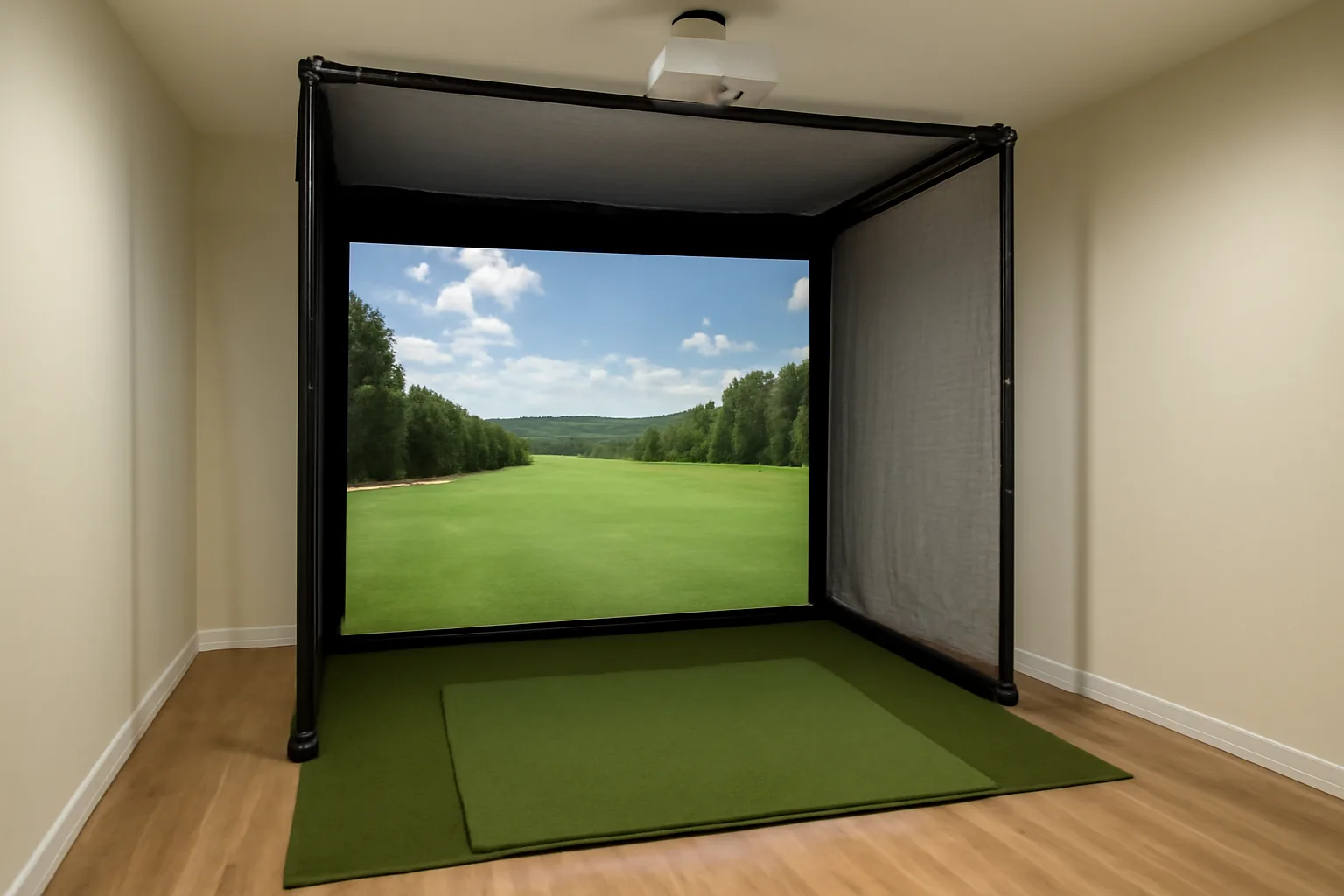
This is what most people picture when they say “home simulator”. You hit into an impact screen, the projector throws the course image onto the screen, and the room starts to feel like a small indoor bay. It costs more, takes more space and needs better cable management, but it is far more enjoyable for winter practice.
Expect to spend roughly £1,500-£5,000 before you reach premium launch-monitor territory. A cheaper DIY version can work, but the screen, enclosure and projector need to be safe. Golf balls are not gentle.
Premium Camera-Based Studio
Premium systems use high-end camera or radar tracking, better software, stronger screens and often professional installation. This is Foresight, TrackMan, Uneekor or full studio territory. The experience can be superb, but the budget gets serious fast: £8,000-£25,000 is realistic once you add enclosure, projector, installation and software.
If you mainly want to practise strike and distance control after work, that is overkill. If you coach, fit clubs, run a golf room, or have the budget and space, it can make sense.
The Best Golf Simulator Setups to Buy in 2026
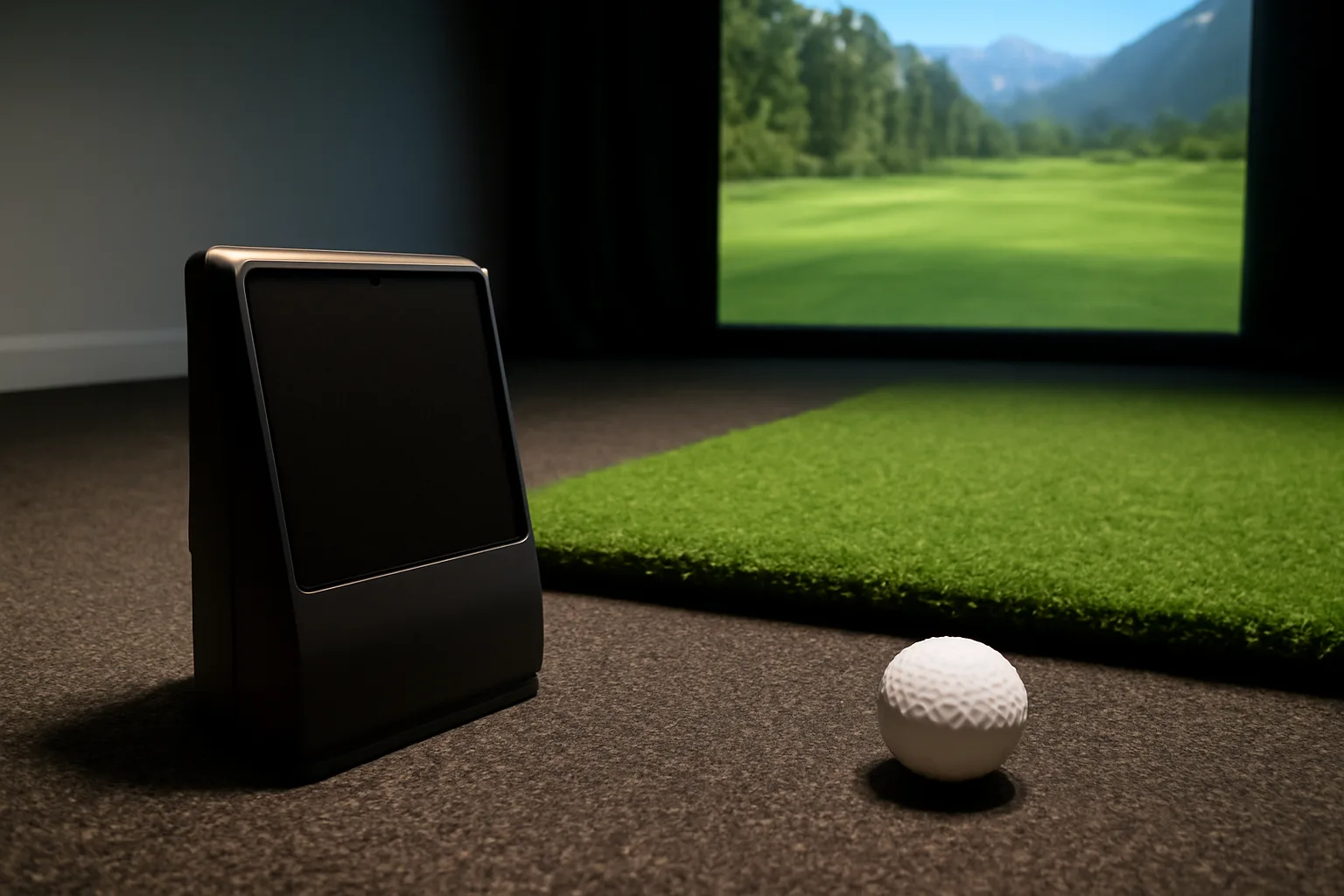
The right product depends on how permanent the setup will be. A portable radar unit is useful at the range and in the garden, but indoor ball flight can be more sensitive to room length. Camera-based launch monitors usually suit indoor simulator bays better, because they need less ball flight before reading the shot.
Best Budget Starter: Garmin Approach R10
The Garmin Approach R10 is the budget pick because it is small, portable and cheap enough to test whether home simulator practice becomes a habit. Complete Golfer lists the Garmin R10 at about £429, with Garmin’s richer virtual golf features needing a subscription of about £89.99 per year or £8.99 per month.
The R10 is best for golfers who want range sessions, swing video, basic simulator play and portability. It is weaker if your indoor space is short, because radar units need enough ball flight and setup distance to work well. If your garage is tight, do not assume the R10 will behave like it does outdoors.
Buy it if you want the cheapest credible start. Skip it if you already know you want a permanent impact-screen room.
Best Value Hybrid: Rapsodo MLM2PRO
The Rapsodo MLM2PRO sits in a useful middle ground. SuperSpeed Golf UK lists it at about £639.99, while Rapsodo’s own UK page says the Premium Membership is £165.99 for one year or £475 for lifetime access after the trial. That membership cost matters because it changes the real ownership price.
The strength is the mix of camera and radar tracking, with app-based feedback and simulator features that suit keen home practice. It is a stronger buy than a basic launch monitor if you want more shot data and do not mind the subscription model.
I would put this in a net-and-tablet setup first, then upgrade the room later if you keep using it. Pair it with a £200-£400 mat rather than a cheap garage mat, because poor strike feel makes indoor practice miserable.
Best Overall Home Setup: SkyTrak+
SkyTrak+ is the best middle ground for many UK home simulator buyers. GolfBays lists SkyTrak+ launch monitor deals around £1,545 and SkyTrak simulator packages from roughly £1,959 to £3,799 depending on enclosure and bundle. Prices move, but the pattern is clear: it is much dearer than Garmin or Rapsodo, much cheaper than Foresight, and better suited to a fixed indoor bay.
The reason I like it for home use is practical. It sits beside the ball, so you do not need as much room behind the hitting area as a radar unit. That matters in UK garages where lawnmowers, bikes and storage boxes already think they own the space.
The downside is that you are buying into a software ecosystem, not just a device. Check the current membership tiers and course-play options before pressing buy. The hardware price is only part of the spend.
Best Premium Choice: Foresight GC3
The Foresight GC3 is for golfers who want measured data, strong indoor accuracy and a setup that can handle serious practice. GolfBays lists the GC3 at about £7,500. That is before a quality mat, enclosure, projector, PC or tablet setup, and any software extras.
The GC3 makes sense if you are using the simulator several times a week, working on numbers properly, or sharing the setup with family or friends who will use it often. It is not a casual winter toy. You buy it because you value data accuracy and long-term reliability.
For many home golfers, GC3 money is better spent on lessons, a SkyTrak+ bay and actual rounds. For the right buyer, though, it is the point where a home simulator starts to feel like proper performance equipment rather than a gadget.
Space, Ceiling Height and Room Layout
Room fit is the gatekeeper. Before you compare launch monitors, swing a driver slowly in the intended space. Then do it again with shoes on, a mat under your feet and someone watching your backswing from the side. People underestimate ceiling height because they measure the room, not the swing.
As a rough UK home target, aim for:
- Ceiling height: 2.7m is comfortable for many golfers, but taller players may need more.
- Room width: 3m is workable, 3.5m+ feels less cramped.
- Room depth: 4.5m can work for camera systems; radar units may want more total depth.
- Screen distance: leave enough space for ball impact and bounce-back safety.
Do not forget left-handed golfers. A simulator bay that works only for right-handers is fine if it is just you. It is annoying if your mate, partner or child plays the other way round.
If the space is marginal, a net setup may be better than an impact screen. You can still get useful numbers and practise strike. A bad full-screen bay, squeezed into a room that cannot handle it, is worse than a modest setup that works every time.
Mats deserve special attention. A thin mat on concrete can punish wrists and elbows. A better hitting mat from GolfBays, Amazon UK or specialist golf retailers can cost £150-£600, but it is one of the few upgrades you feel on every swing. If you practise often, the mat is not where I would save money.
Nets, Screens, Mats and Projectors: The Hidden Costs
Most buyers price the launch monitor and forget the room. That is how a “£429 simulator” becomes a £1,200 setup before the first proper session.
A realistic UK budget looks like this:
- Basic net setup: £650-£1,300 including Garmin/Rapsodo, net, mat and tablet stand.
- Good garage screen setup: £2,500-£5,500 including SkyTrak+, enclosure, screen, mat and projector.
- Premium studio: £9,000-£25,000+ with Foresight/TrackMan-level hardware and installation.
Impact screens vary a lot. Cheap screens can be loud, mark quickly and return the ball unpredictably. Better screens are quieter and look cleaner with a projector, but they cost more. A screen and enclosure package might be £700-£2,000 before you add the projector.
Projectors are another trap. A normal office projector may not work well close to the screen or in a bright garage. Short-throw projectors often cost £500-£1,500. Mounting, cabling and protection add more. If the projector sits where a wedge can hit it, you have built an expensive target.
Do not ignore nets even with a screen. Side netting matters for shanks, beginners and tired swings. A full enclosure feels excessive until one ball misses the screen. After that, side protection seems cheap.
If you are also building a broader home practice area, our pieces on golf practice nets, launch monitors under £500, warming up before a round and custom fitting sit neatly alongside this setup decision. The simulator is only useful if you use the feedback well.
Software, Subscriptions and Ongoing Costs
Software is where cheap hardware can become less cheap. Some launch monitors include basic range features but charge for simulator courses, skills challenges or third-party integration. That is not automatically bad, but you should price it before choosing the device.
Rapsodo is the cleanest example: the MLM2PRO hardware may be around £640, but the premium membership listed by Rapsodo UK is £165.99 per year or £475 lifetime after the trial. Garmin’s R10 can also need a paid Garmin Golf membership for richer virtual play, listed by Complete Golfer at £89.99 per year or £8.99 per month.
SkyTrak and Foresight packages can involve their own software tiers, game-improvement plans and course-play options. Those costs change, so check the live plan before buying. If you only want a virtual driving range, the cheapest software tier may be enough. If you want famous courses, online play or deep bag mapping, the annual spend rises.
Think about the device you will run it on too. Some setups are happy with an iPad. Others want a gaming PC, which can add £700-£1,500. A launch monitor that looks affordable can become awkward if it needs a computer you do not own.
My rule: price the first two years, not just day one. Hardware, mat, net/screen, projector, software, subscriptions, replacement balls and small room fixes all count. A setup you can afford to finish is better than a premium monitor sitting in a half-built garage.
Common Buying Mistakes
The biggest mistake is buying the launch monitor first and measuring the room afterwards. Measure the room, pick the setup type, then choose the monitor. That order saves money and swearing.
The second mistake is treating all data as equal. Club path, face angle and strike location are not available on every device. If you are working with a coach or doing proper swing changes, check which metrics are measured and which are estimated. A cheap unit can still be useful, but do not pretend it is a tour-level fitting system. Our guide to choosing golf clubs is a better starting point if your main problem is equipment fit rather than practice feedback.
The third mistake is buying too cheap a mat. Bad mats hide fat shots, jar your joints and make indoor practice feel artificial. If you only have £1,000, I would rather see a Garmin or Rapsodo with a good mat than a dearer monitor with a £40 strip of turf.
The fourth mistake is forgetting noise. A driver into an impact screen in a garage can be loud. Add ball impact, projector fan noise and garage acoustics, and the family may have views. Net setups can be quieter, but they still need a sensible time of day if the garage wall joins the house.
Last, be honest about use. A simulator used twice a week can improve distance control and winter practice. A simulator used twice in January and then buried behind bikes is just a very expensive clothes horse. If you are not sure, start portable. Upgrade when the habit is real.
Frequently Asked Questions
What is the best golf simulator for most UK homes? For many UK homes, SkyTrak+ is the best balance of indoor performance, space efficiency and price. Budget buyers should look at Garmin R10 or Rapsodo MLM2PRO, while premium buyers should consider Foresight GC3.
How much does a home golf simulator cost in the UK? A basic net-and-tablet setup can cost £650-£1,300. A good garage impact-screen setup is usually £2,500-£5,500. Premium studio builds can run from £9,000 to £25,000+.
Can I put a golf simulator in a UK garage? Yes, if you have enough ceiling height, width and depth for a safe swing and ball flight. Many golfers need around 2.7m ceiling height, 3m+ width and 4.5m+ depth, though the exact requirement depends on player height and launch monitor type.
Is Garmin R10 good enough for a home simulator? Garmin R10 is good enough for a budget starter setup, especially with a net and tablet. It is less ideal for tight indoor spaces than some camera-based systems because radar units need enough room to read the ball.
Do I need a projector for a golf simulator? No. You can use a phone, tablet or TV with a net setup. A projector and impact screen make the experience more immersive, but they add roughly £500-£1,500 for the projector alone.
What should I buy first for a home simulator? Measure the room first, then choose the setup type. After that, buy the launch monitor, a proper hitting mat and safe net or screen. Do not buy the monitor before checking the space.